
The Hello Birdie camera requires the use of the Hello Birdie app, of course. You can’t even look at the camera on a webpage, has to be a mobile device via the app.
On the Apple App store, its rated at 2.8 out of 5 with 25 ratings, so middling at best. I found the app to be rather clunky to use, and I did not even get to the “AI recognition of the birds” that others complained about. The app is really a designed for iPhone app, but it runs in expanded mode on the iPad. You know, just enlarged.
I had trouble with clicking some of the buttons when running on the iPad to the point that I thought there was some kinda of issue with not having cell service on the iPad, but doing a two finger zoom eventually allowed me to click a needed radio button.
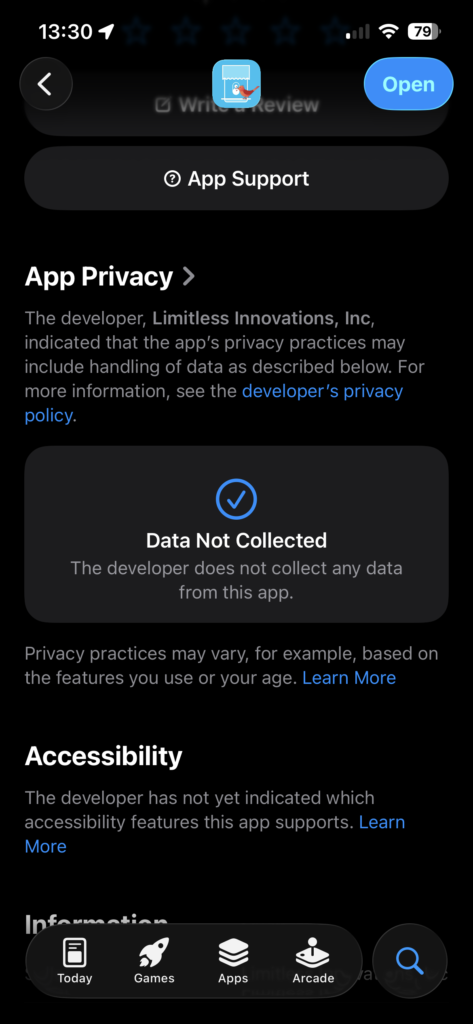
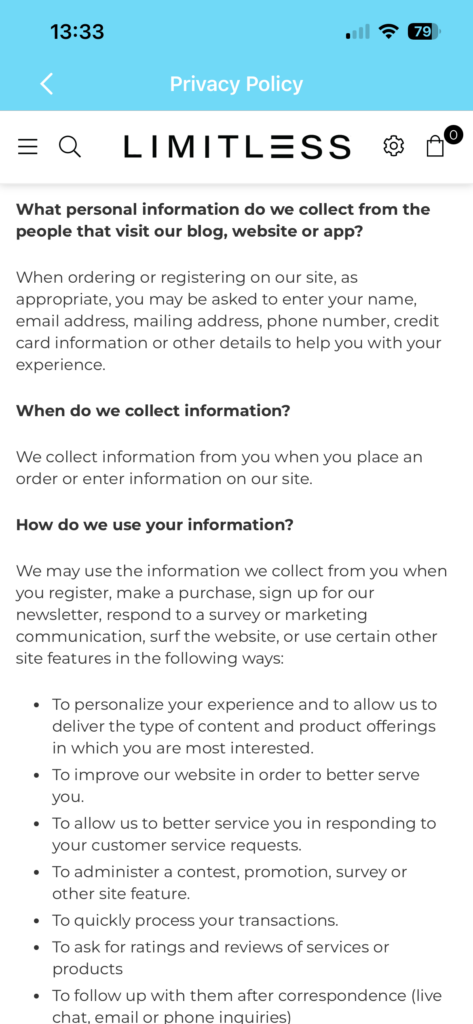
The privacy policy on the app store says it collects no information, but I’m skeptical, as you must allow high precision location when joining the feeder to the app or logging into the app. Also, the in app privacy policy says they collect information during signup and purchases, and the user agreement is rather slim on details related to use of the app. IANAL, but it seems very open and implies a real name policy, at least to my reading. Gotta love the inconsistency.
Of course, I used a throw away email and did not use my real name.
To get the app working, you first must create an account and sign in. The account sign up must be done in app. You also must have the device connected to the same access point that the camera will join,
Once you jump thru the hoops, you get a QR code that contains the SSID of the network and the passphrase for the network, in plain text. Not sure if the QR code is generated on device, or sent off somewhere for generation. The latter seems more likely, from what I saw snooping traffic. The QR code also has a string of 8 characters before and after the SSID and password. I think the first may be some type of token for the recognition AI server? It changes every time the QR code is generated, regardless if the SSID and password stays the same. The second set of characters stayed the same for a second QR code I generated for a different SSID, so that seems to be an account number or user id of some sort.
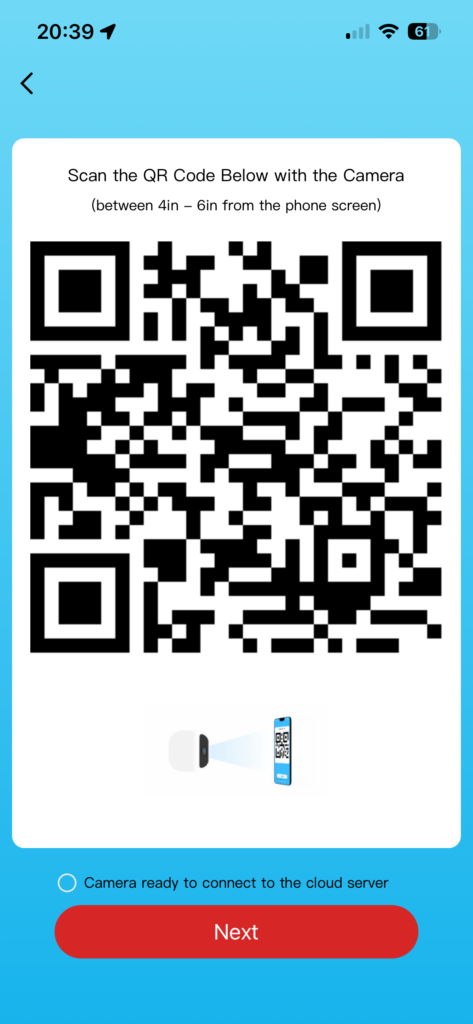
The above QR code has all the info described, including the presumed user id, just have to feed it into a decoder site. The SSID and password are for my test setup, which is temporary. The user id number, I ain’t too worried about.
Once the camera reads the QR code, it tries to talk to the mothership. If the camera can’t phone home, you get a failure message and the device goes back to sleep. Please try again.
Once the camera is successfully attached to the app, you can look at the feed, modify various camera settings, see battery life, and most importantly, see what the AI says the bird is, assuming you’re in the trial window or you’ve subscribed to the service.
I’ll talk about this more later, but snooping the traffic, everything seems to go thru China or Chinese firms. Whois look up of IPs and domains show several that have their owners hidden. I have my info hidden too, but I’m also not (trying) to sell a service.
The subscription can only be bought via the app. Subscription status also is viewed via app only. Payment seems to be handled by Stripe.
If you’re not subscribed to the ID service, then the camera can still be used as a realtime video feed, that’s lagged only by a few seconds.
One last troublesome item is that besides the precise location, the app also asks for permission to access the local network. I denied this and it still seemed to work ok.
Next time, looking at the firmware.