
The last 6 months have not been the time to buy new computing equipment, thanks to the price of RAM and storage skyrocketing due to the waste know as LLM, but sometimes you got bite the bullet, as it were.
My basic requirements were:
- Small form factor, fanless mini PC preferred
- Relatively power efficient
- Current CPU with AES-NI encryption acceleration
- At least 8 NICs of Gigabit speed or better
- OPNsense compatibility
- Relatively inexpensive
The hardest requirement to meet was the 8 NIC need (I wanted spare capacity). Most mini PCs nowdays are four, five, or 6 port boxes. The 8 port boxes were much harder to find and were typically much more pricey, even if equipped with an discontinued CPU, but I happened to luck out. After looking at several sites, I found a bare bones box at a decent price on Amazon:A current, dual core Intel N150 with a DDR5 RAM slot, NVMe SSD M2 slot, and 8 – 2.5Gb NICs. I bought it, along with RAM (2 sticks were cheaper than one?) and a SSD. The mini PC order part was cancelled by the vendor after 2 weeks…
So back digging back through the Amazon listings (goddess, Amazon search sucks), I found this box (at 1.7x the price of the N150) that would work with the other pieces I bought. It showed up direct from China in a bit more than a week.
Not a bad little PC, although its not fanless, as the Amazon listing said. It was well packaged for its trip across the Pacific. The box contained the PC, power supply, a combo power/data cable for a 2.5″ SSD, and and 4 pin cable for some unknown purpose, but had no manual or drivers CD included. The manufacturer’s webpage has no support pages for it, and after sales support has been useless.
The 2x 8GB RAM I used is supposedly Samsung (could be counterfeit, but it works), and a Silicon Power 256GB PCIe x4 NVMe SSD rounded it out. All tolled, a bit more than USD 700.
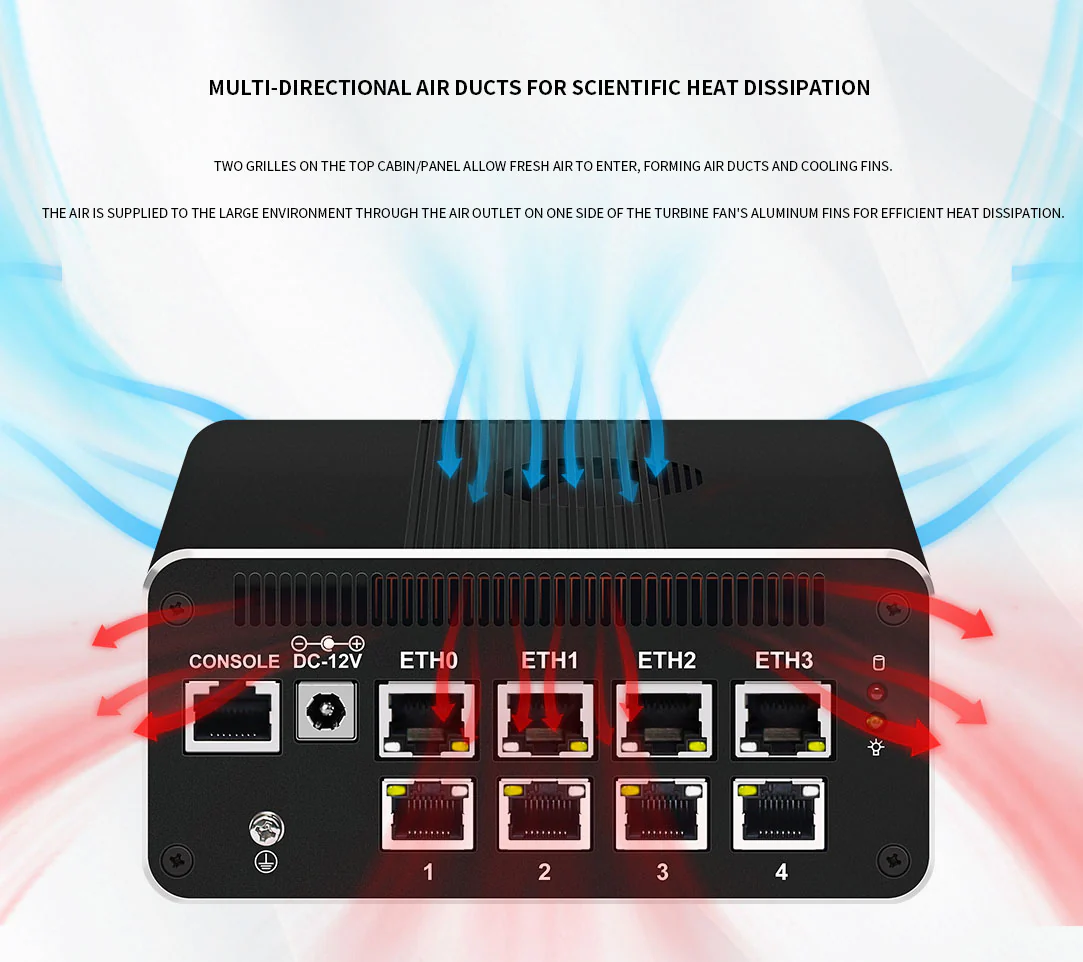
The overall design wasn’t terribly well thought out. The motherboard has 4 NICs built onto it, and a PCIe x8 card with 4 more NICs. However, the 4 onboard NICs are separated on the PCIe bus, with the NICs on the add-in card between them. This means the ordering of the NICs is 0, 1, 6 and 7 for onboard, with the add-in having NICs 2 through 5. Not terribly convenient. Also, the Ethernet cable latches on the motherboard and the add-in card face each other. After getting the cables plugged in, to release a single cable requires the use of a shim of sorts. See the above picture for what I mean. This required some more thought into port assignment, so ports I’d be more likely to be plugging and unplugging for my test/lab networks would have an empty port across from it.
So with the hardware sorted, onto the OPNsense software.